


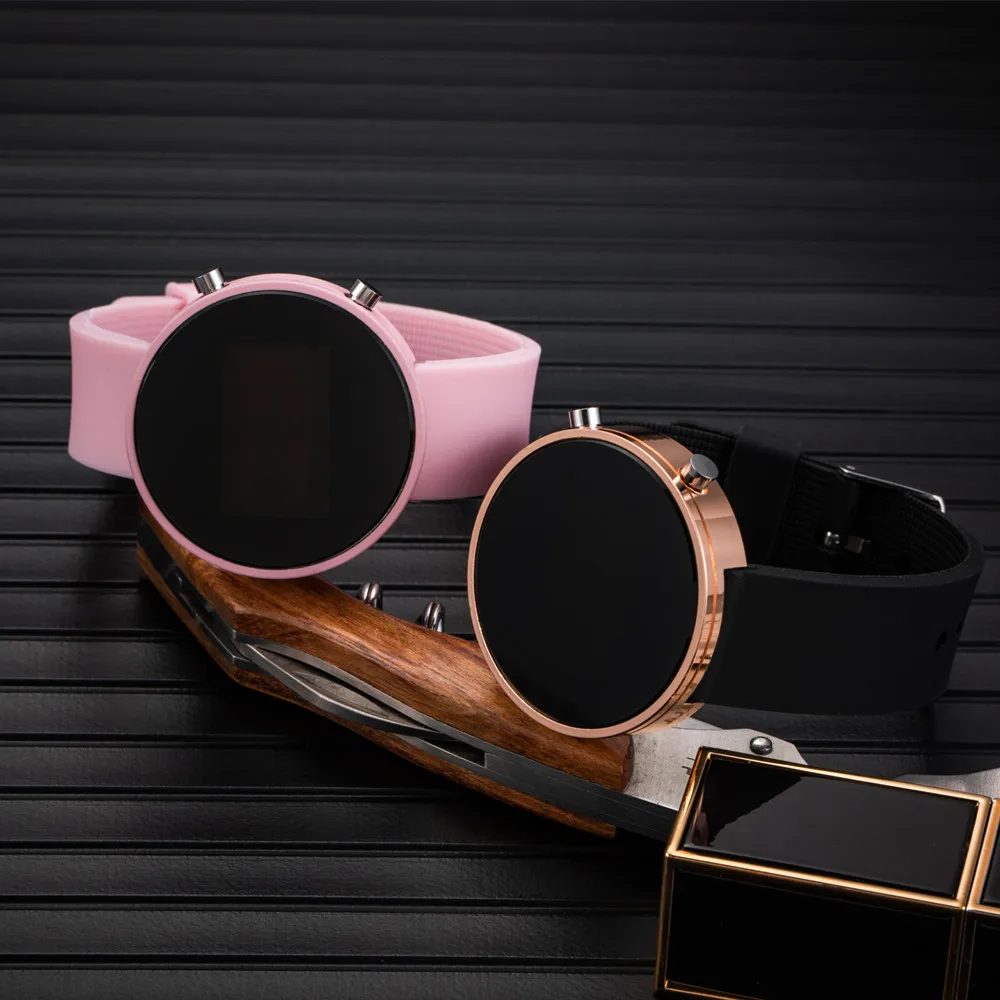
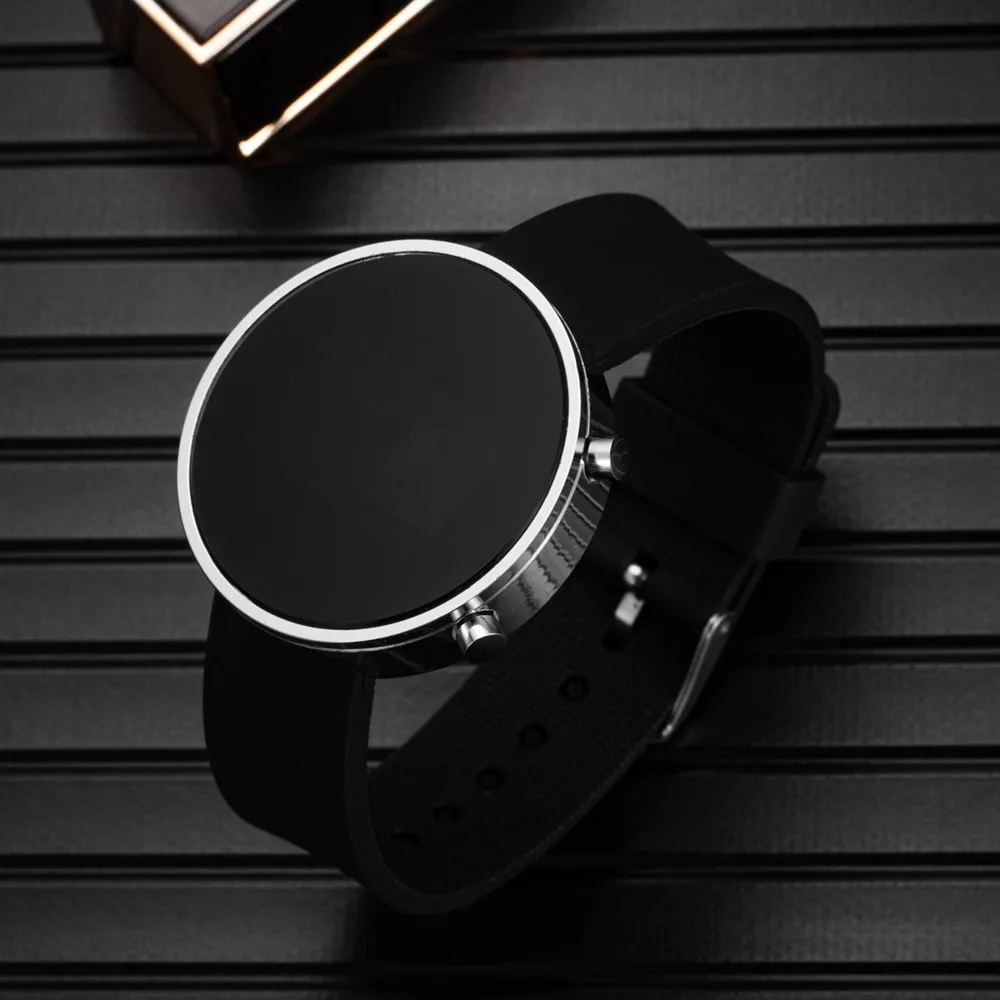
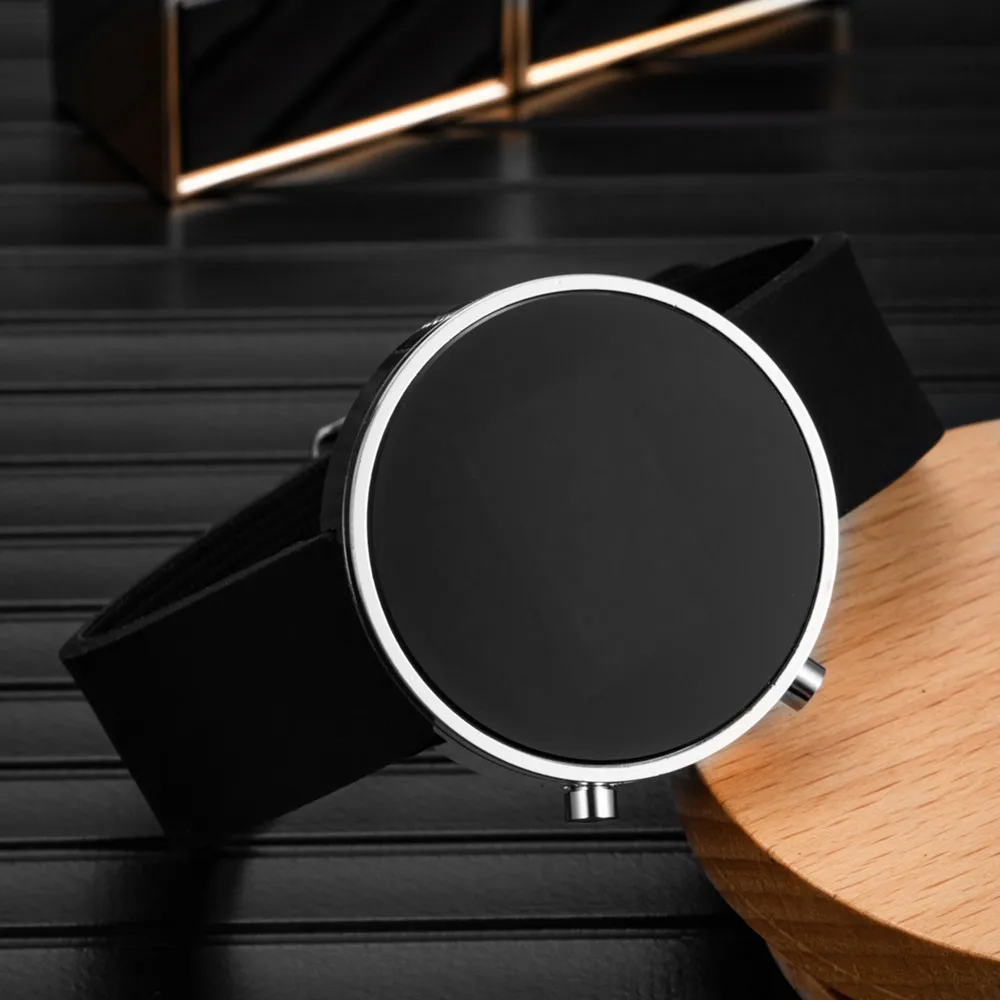
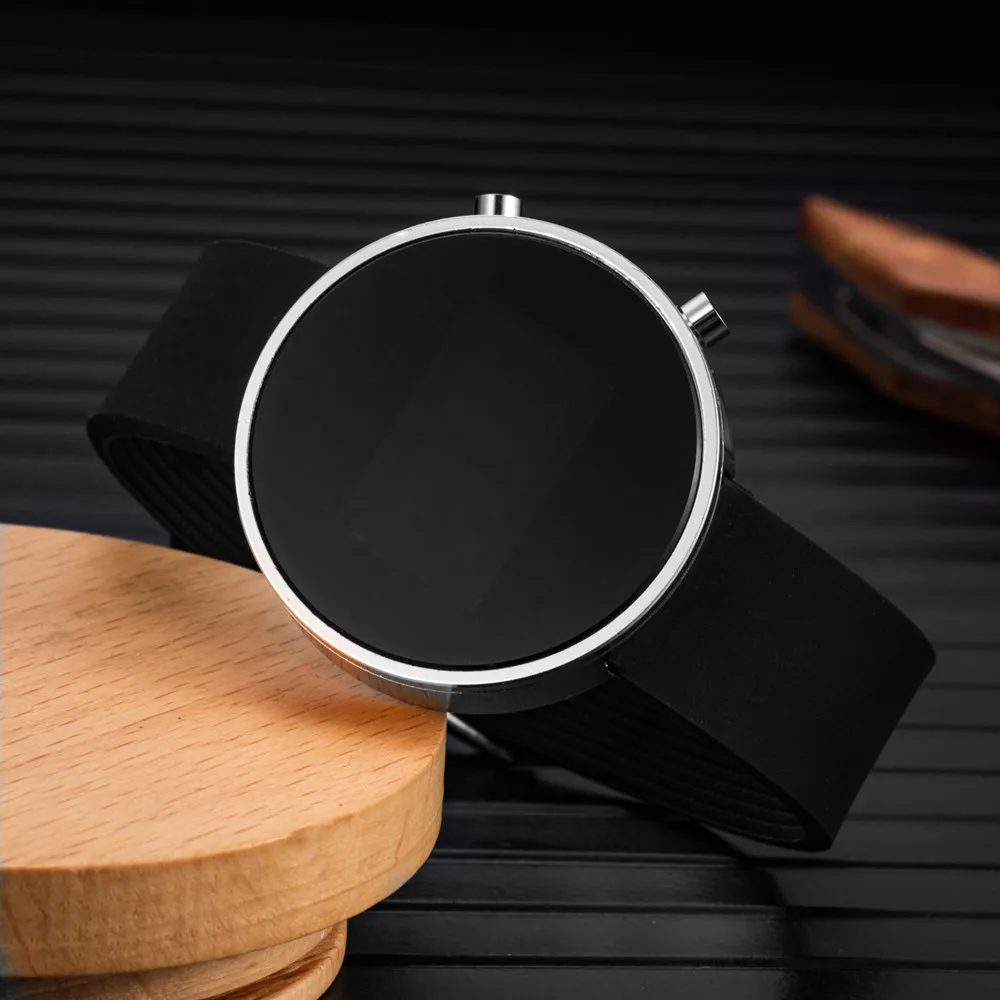
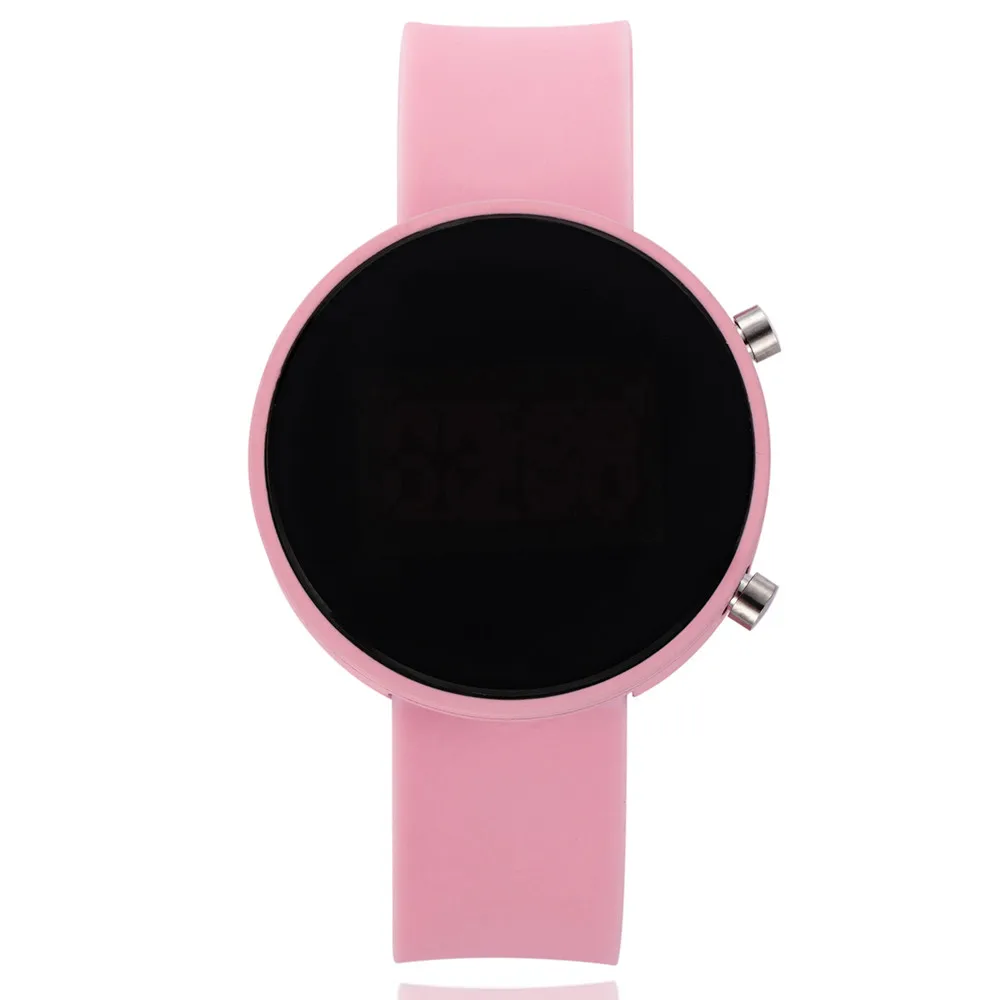
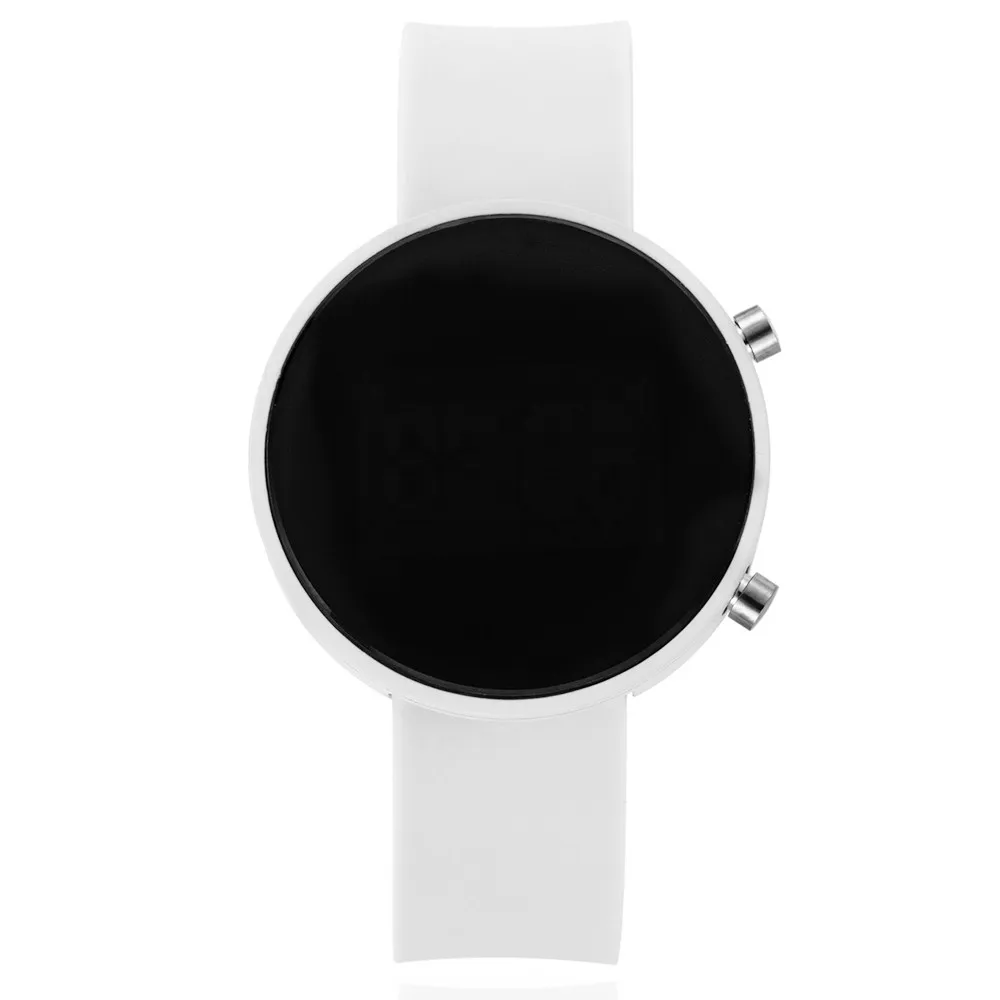
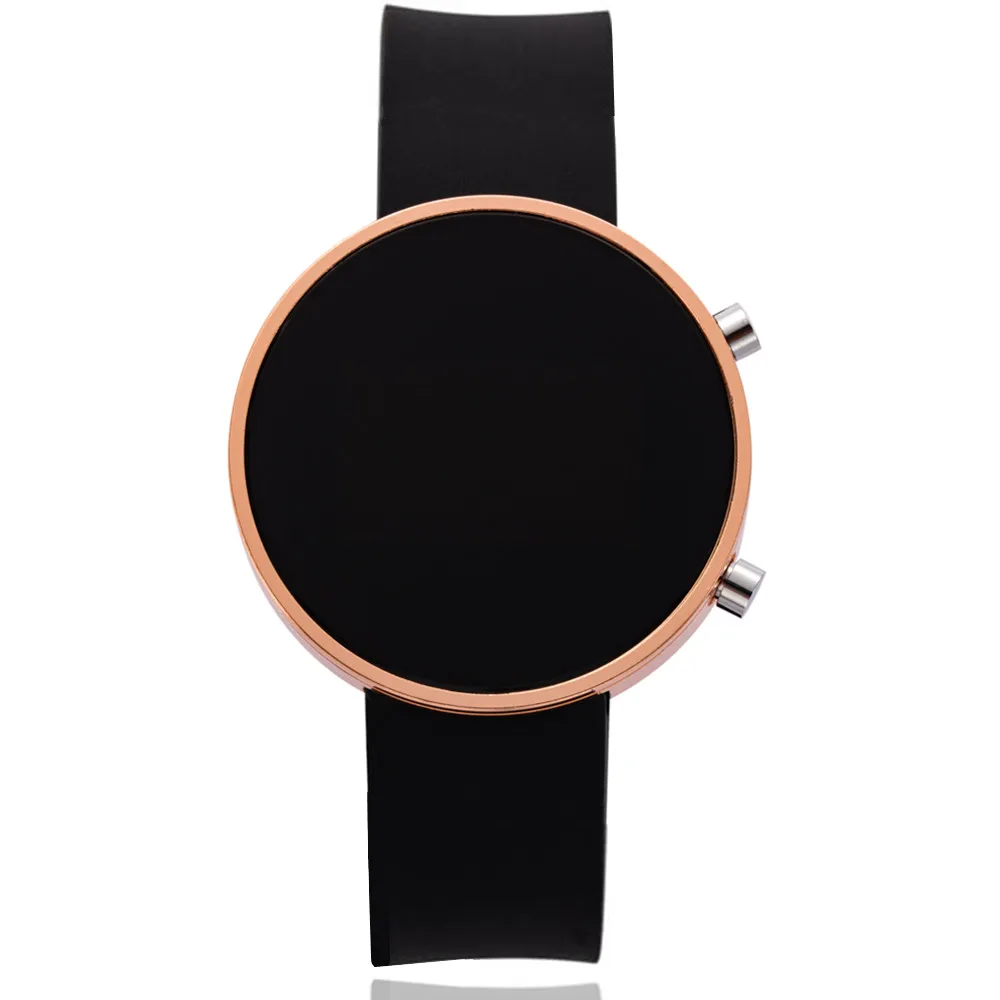
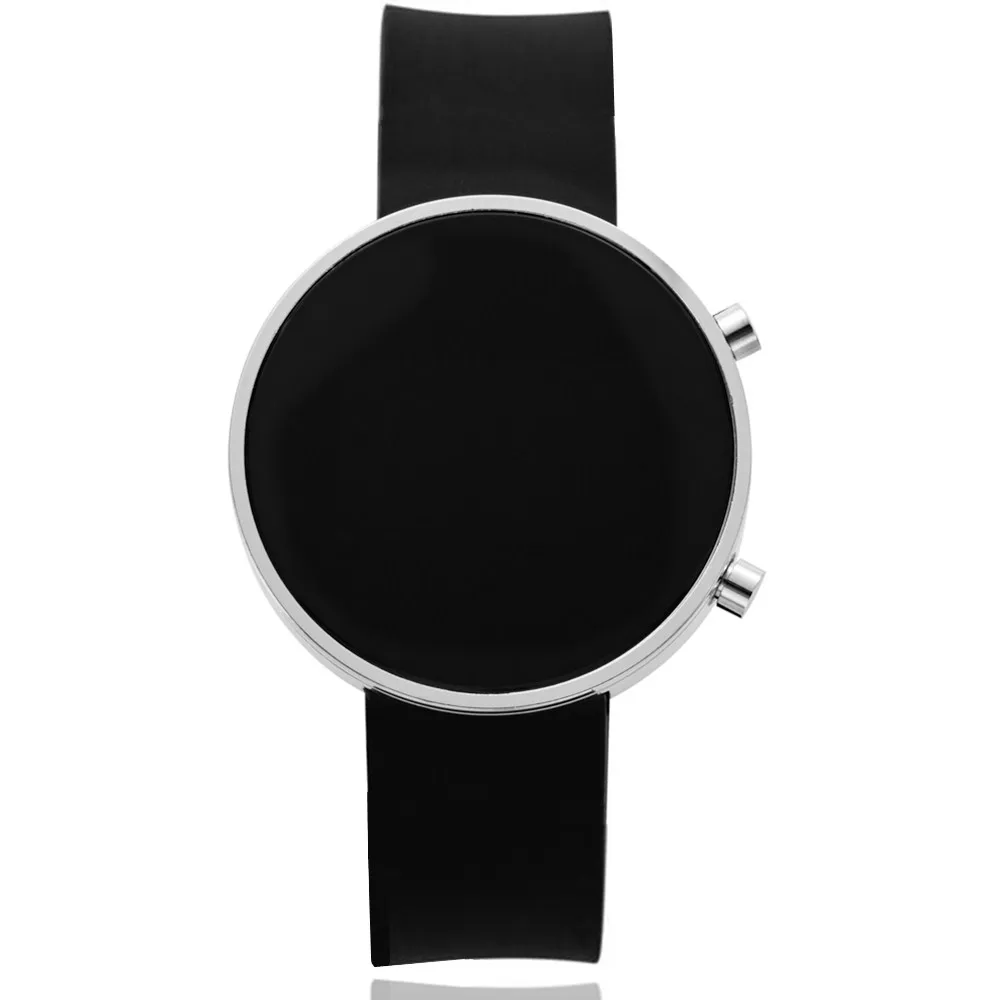
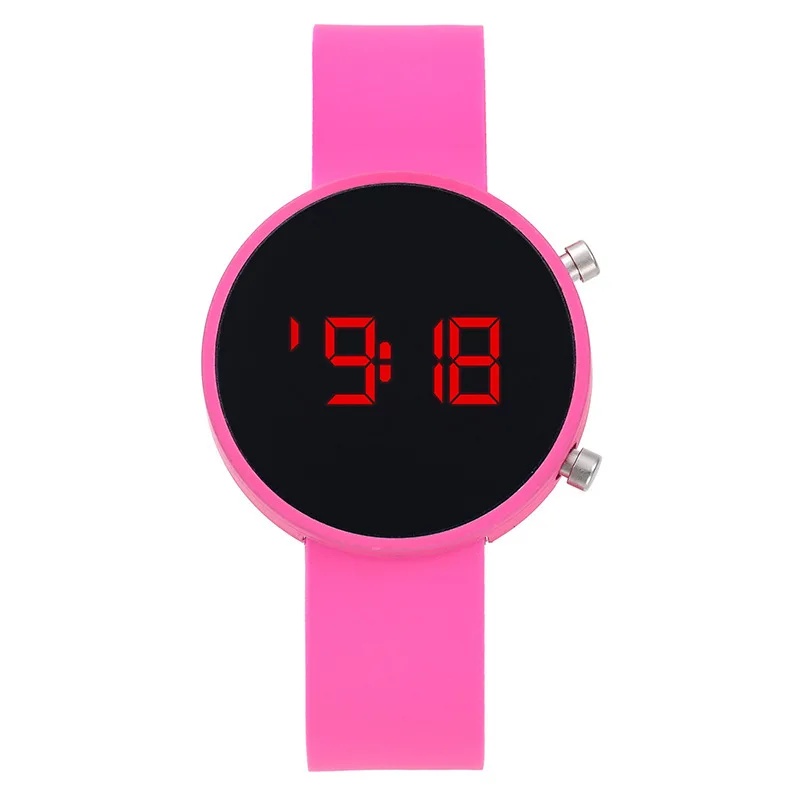
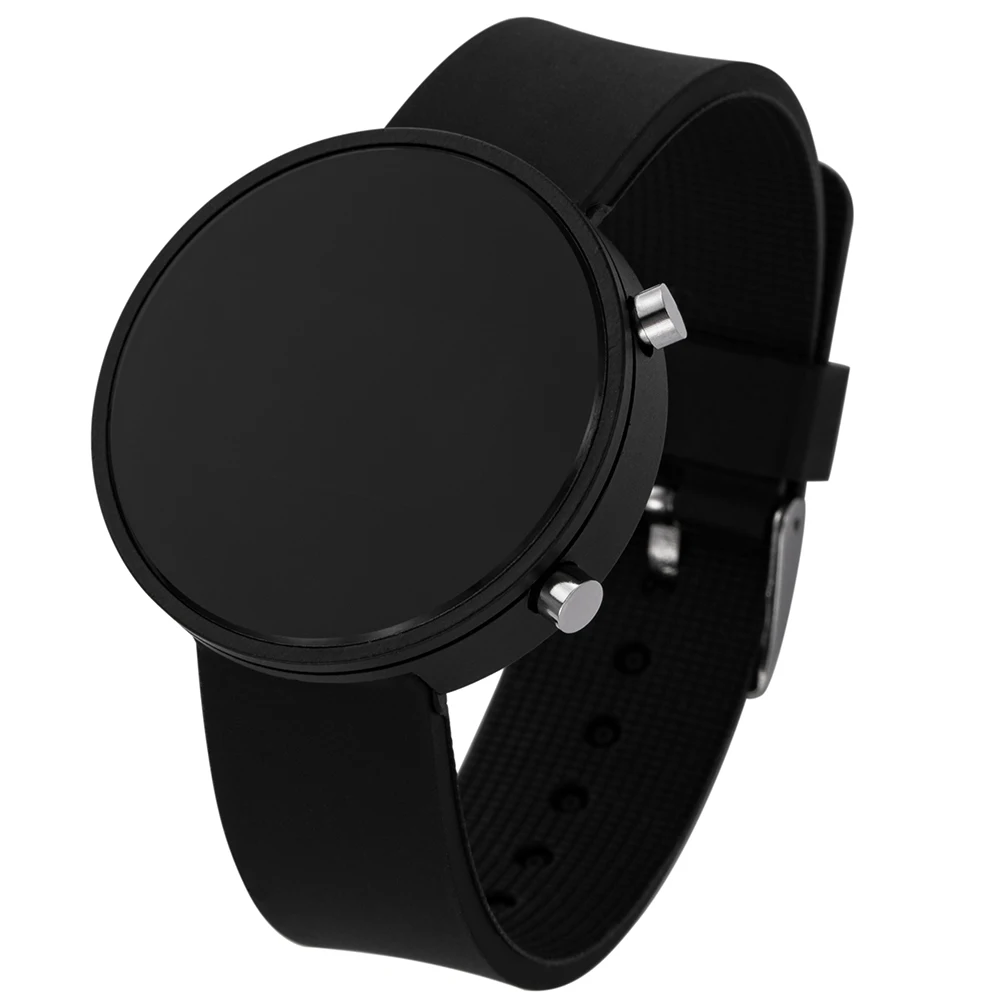
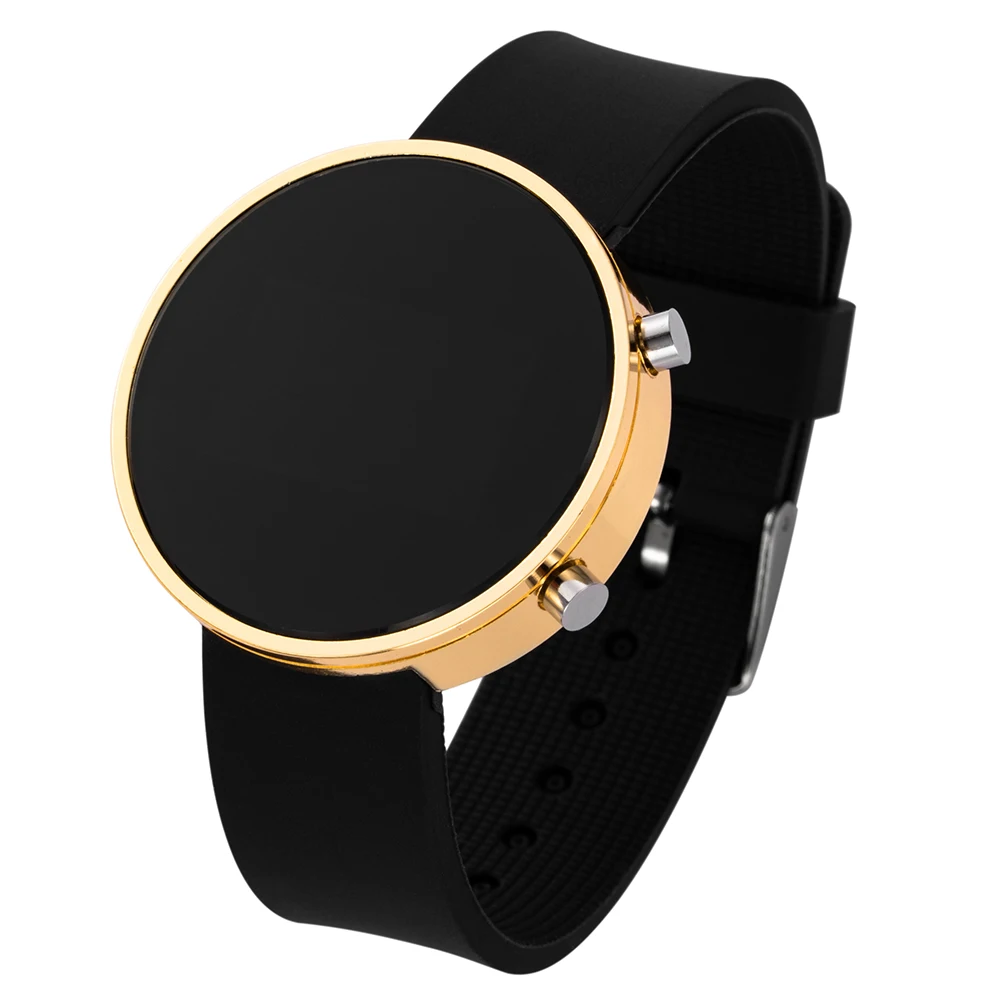
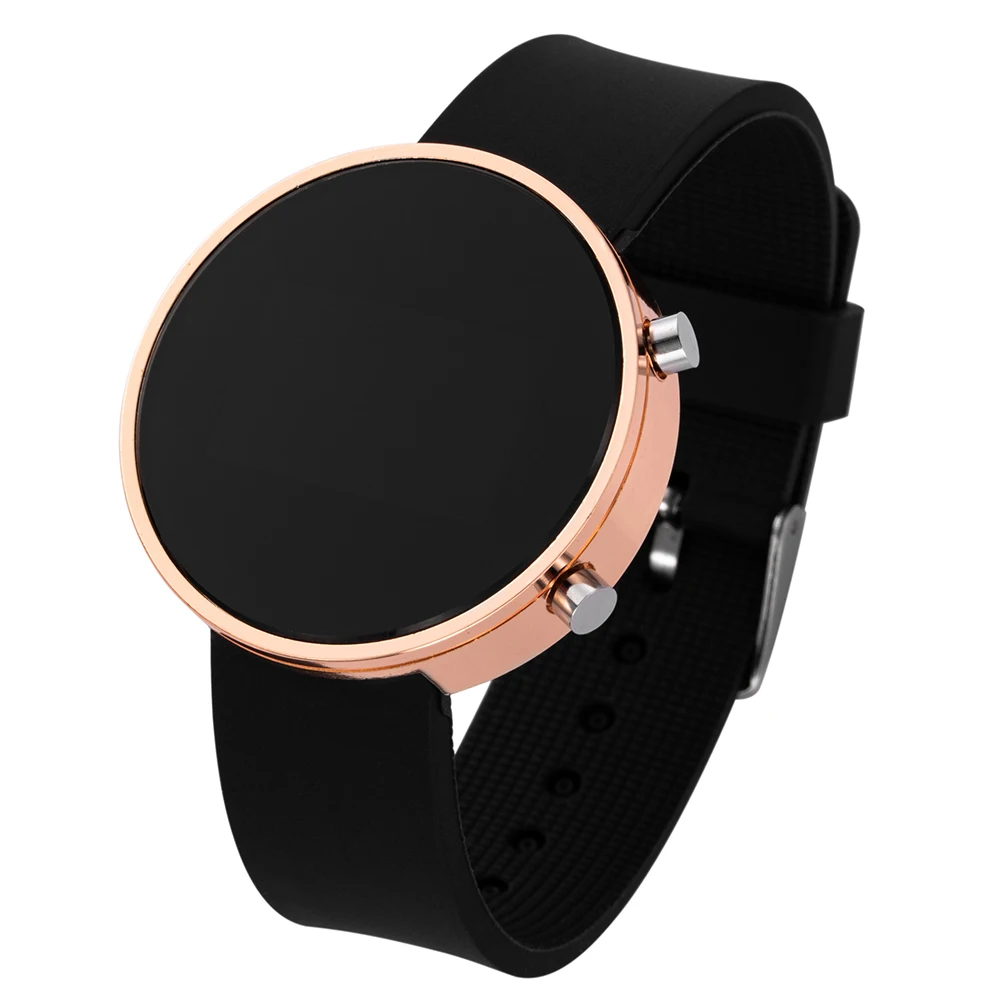
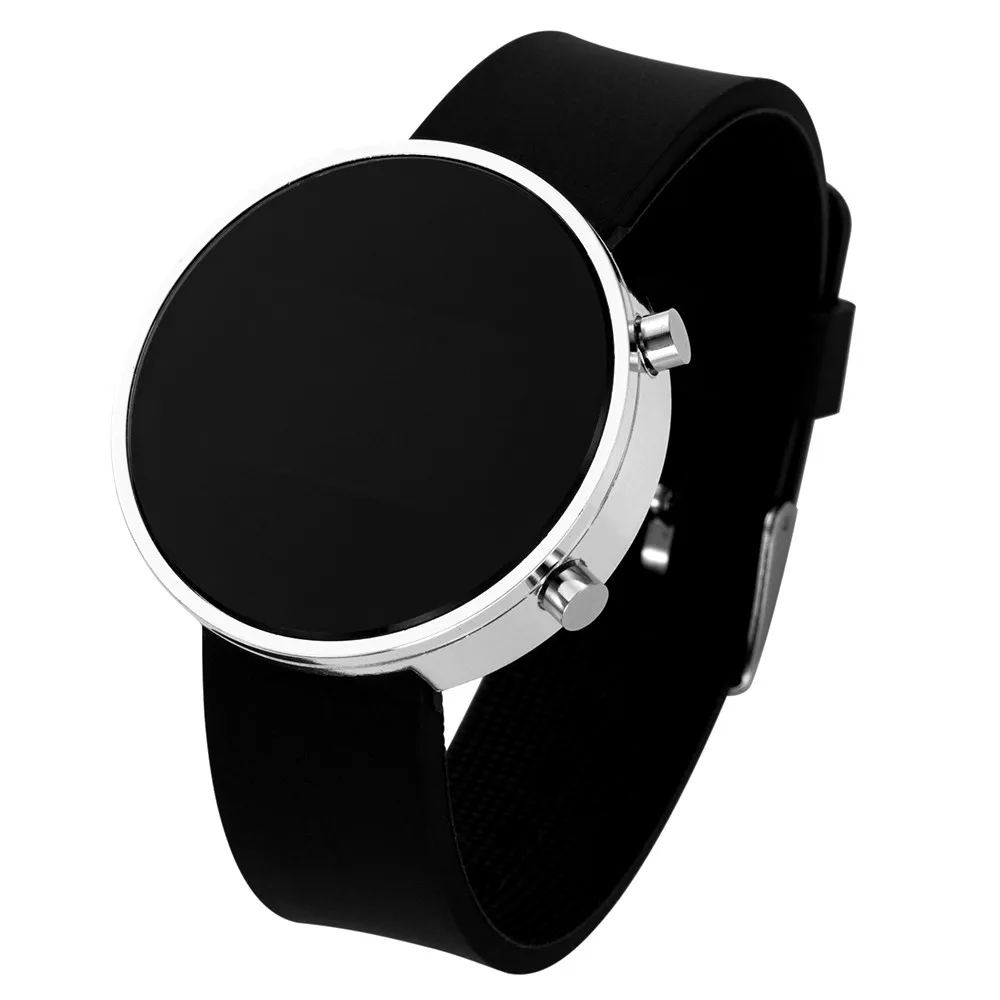
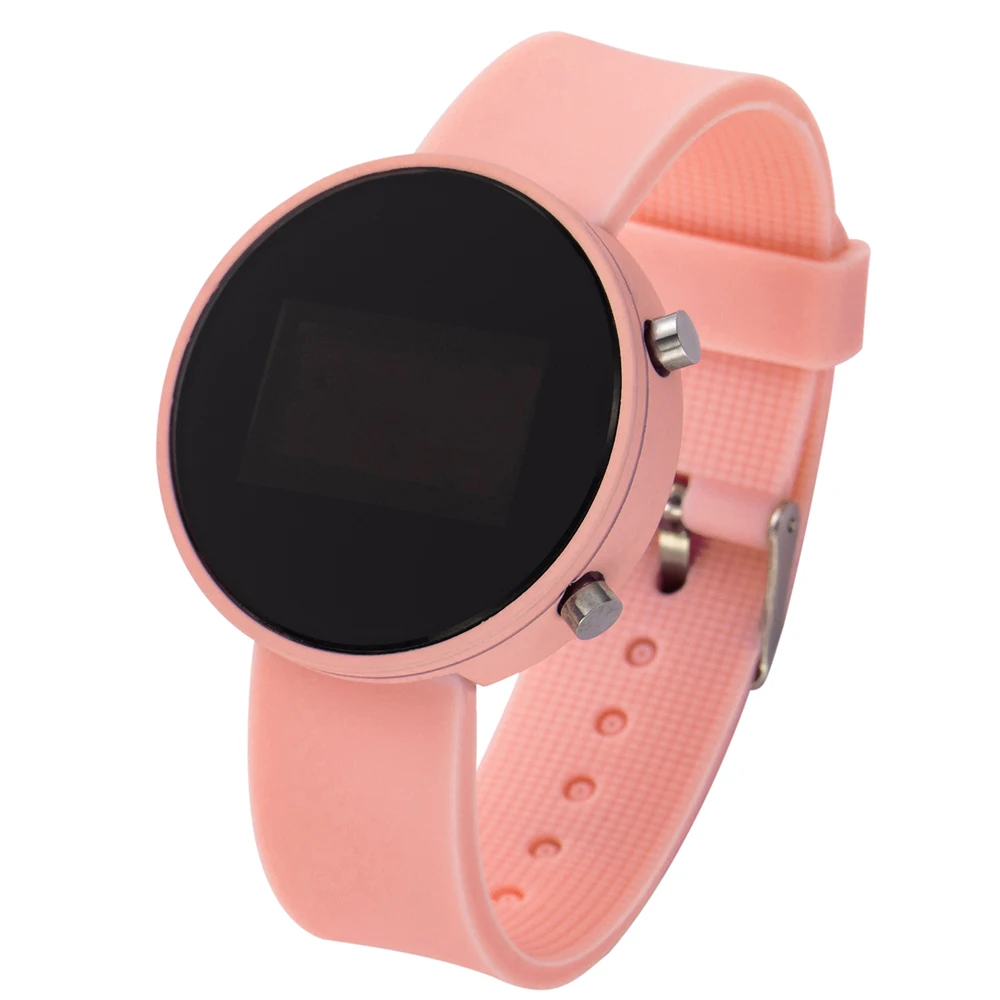
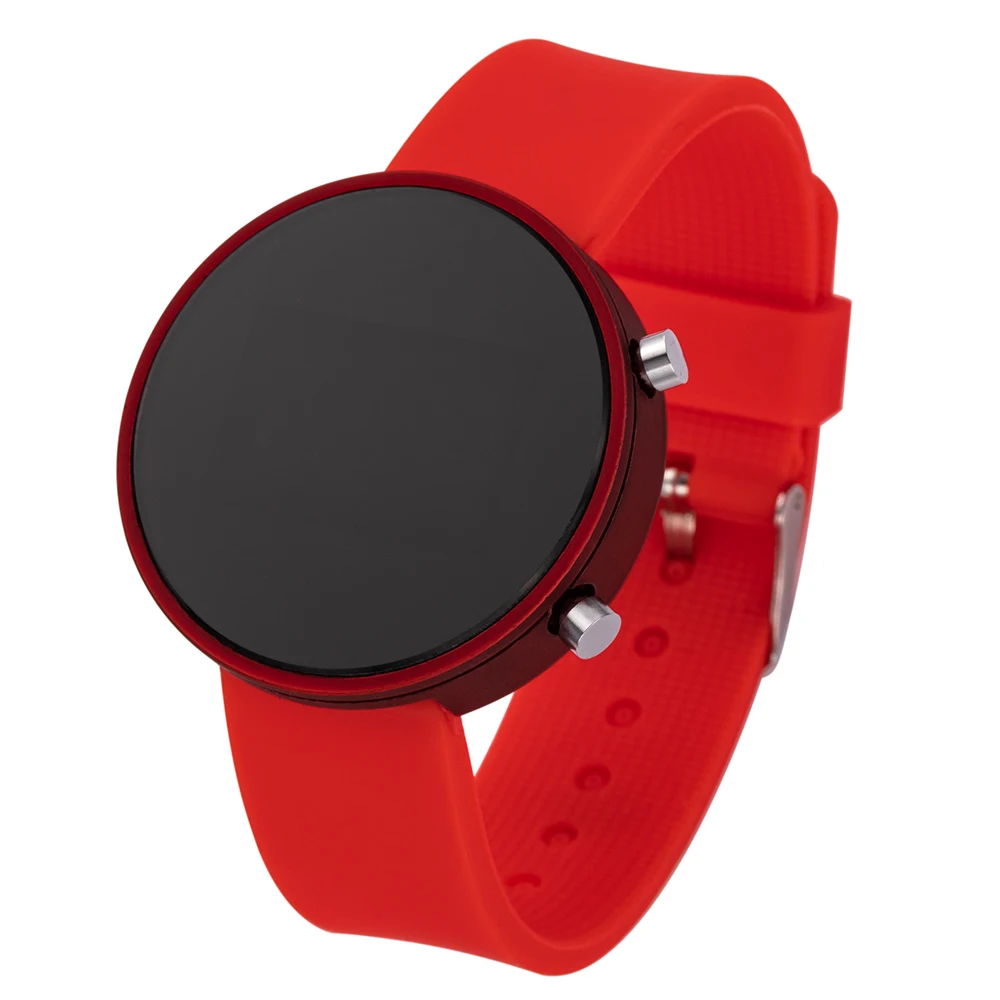
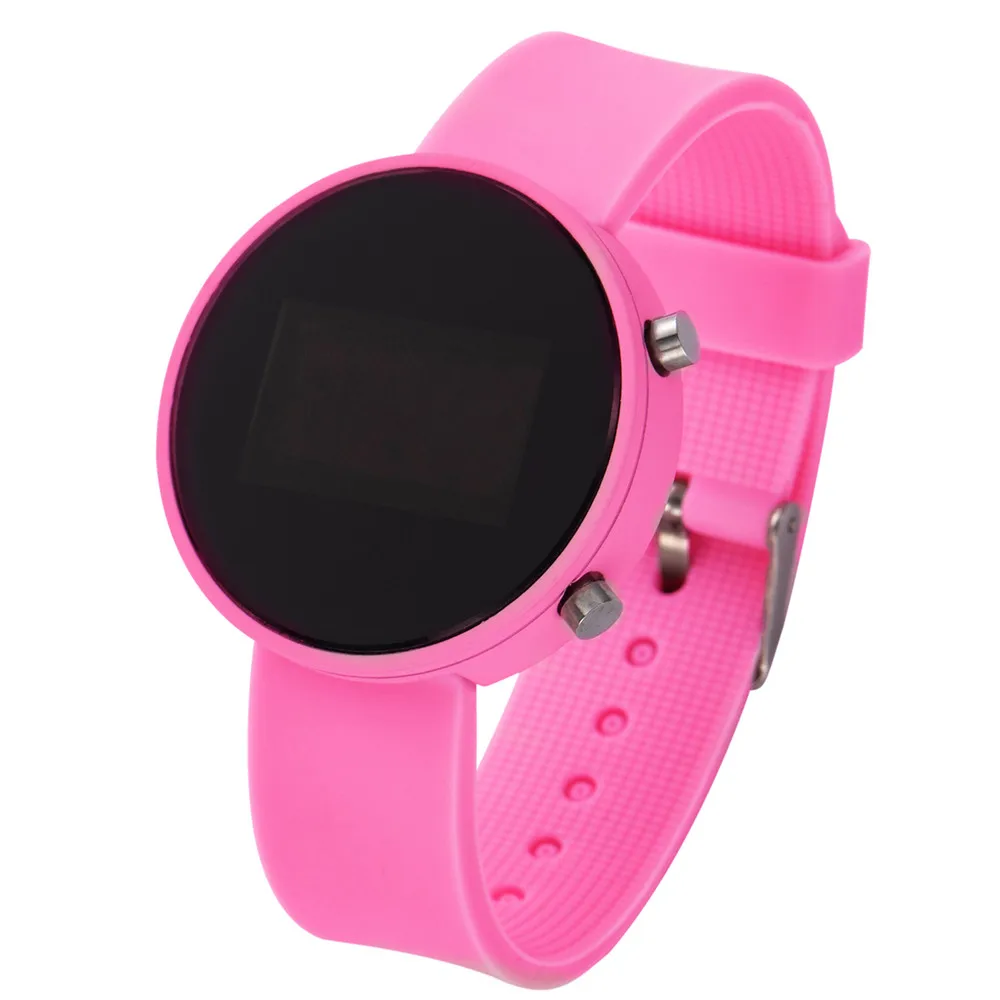
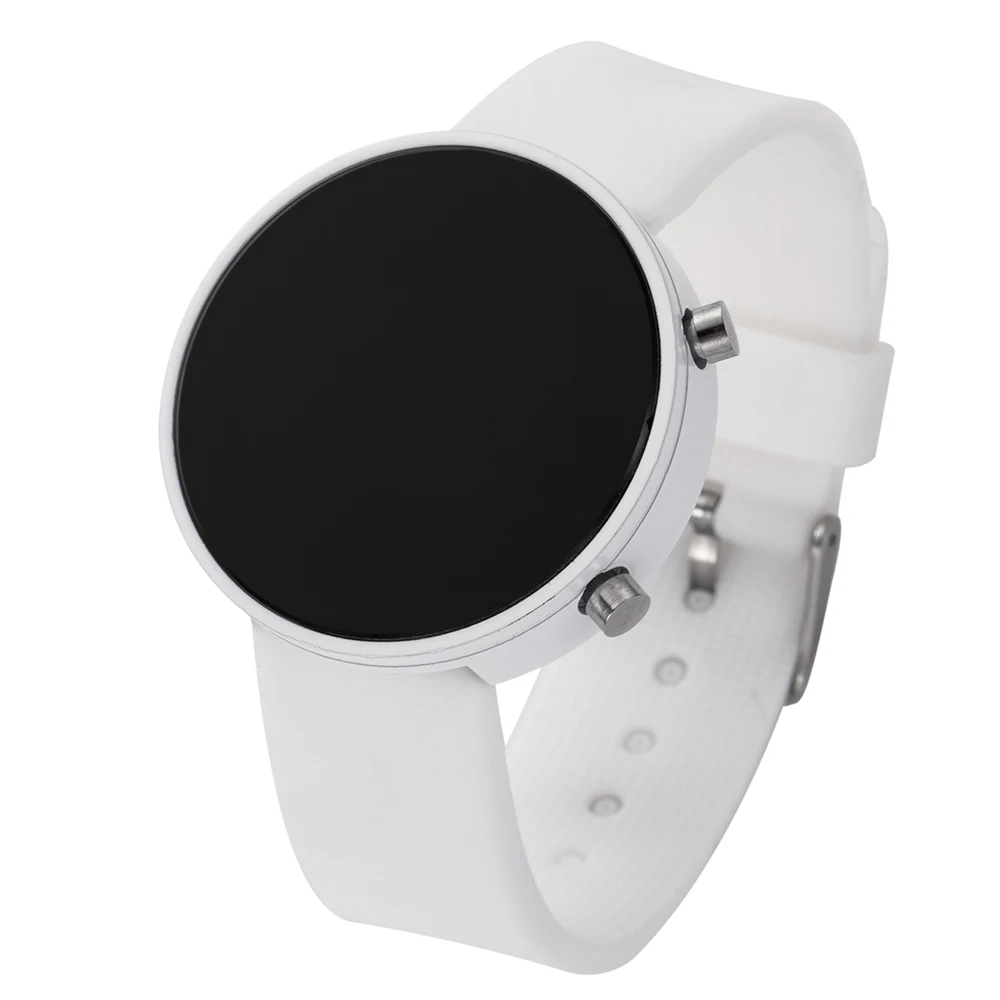
Fashion Digital Watch for Men Women Kids Simple Sports LED Watch Silicone Watchband Multi-color Casual Ladies Watch Reloj Mujer
Fashion Digital Watch for Men Women Kids Simple Sports LED Watch Silicone Watchband Multi-color Casual Ladies Watch Reloj Mujer
Couldn't load pickup availability
🔥 Get 10% Off When You Buy 2+ Items
- Quality Guarantee
- Easy Returns
- Fast Shipping
SPECIFICATIONS
Band Length: 24.5
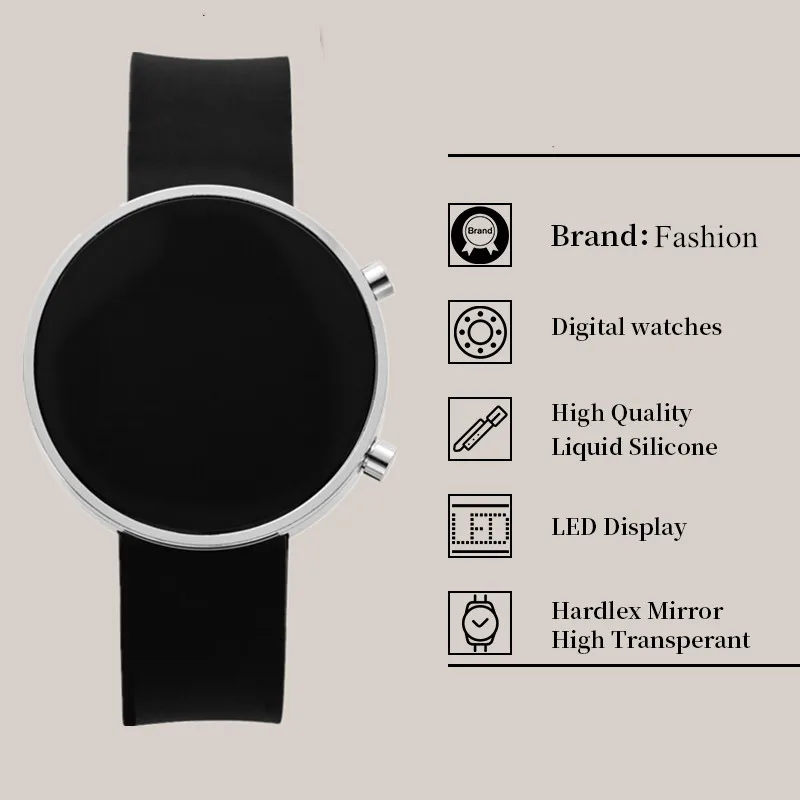
Band Material Type: Silicone
Band Width: 20
Battery Included: Yes
Boxes & Cases Material: No package
Brand Name: JBAILI
Case Material: Alloy
Case Shape: Round
Case Thickness: 8
Choice: yes
Clasp Type: Buckle
Dial Diameter: 40
Dial Window Material Type: Acrylic
Display Type: Digital
Feature: Shock Resistant
High-concerned chemical: none
Keyword 1: reloj digital
Keyword 2: reloj deportivo hombre
Keyword 3: relojes digitales
Keyword 4: sport watches for men women
Keyword 5: wrist watches for women
Keyword 6: reloj de mujer
Model Number: TMC203
Movement: Digital
Origin: Mainland China
Rechargeable Battery Included: No
Style: Fashion & Casual
Voltage: <36V
Water Resistance Depth: No Waterproof
Wireless: N
Fashion Digital Watch for Men Women Kids Simple Sports LED Watch
Silicone Watchband Multi-color Casual Ladies Watch Reloj Mujer
Description
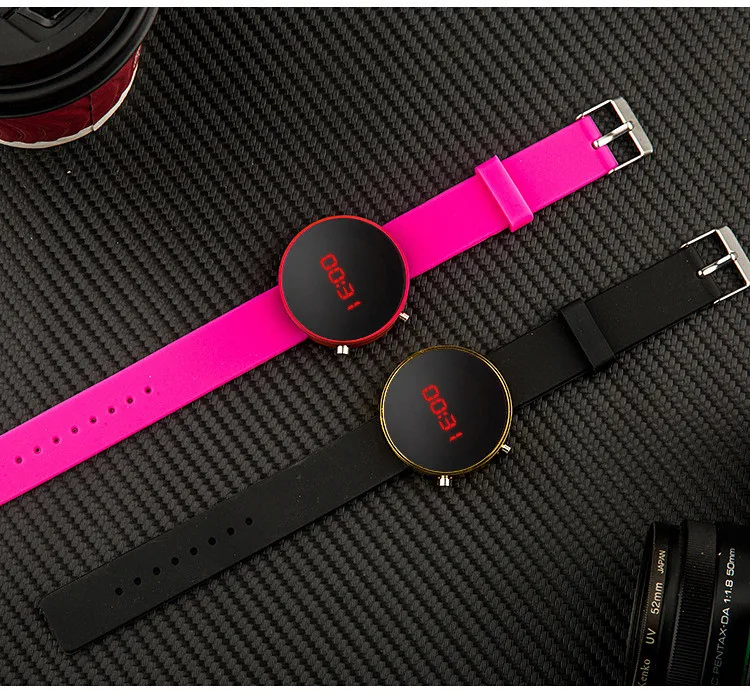
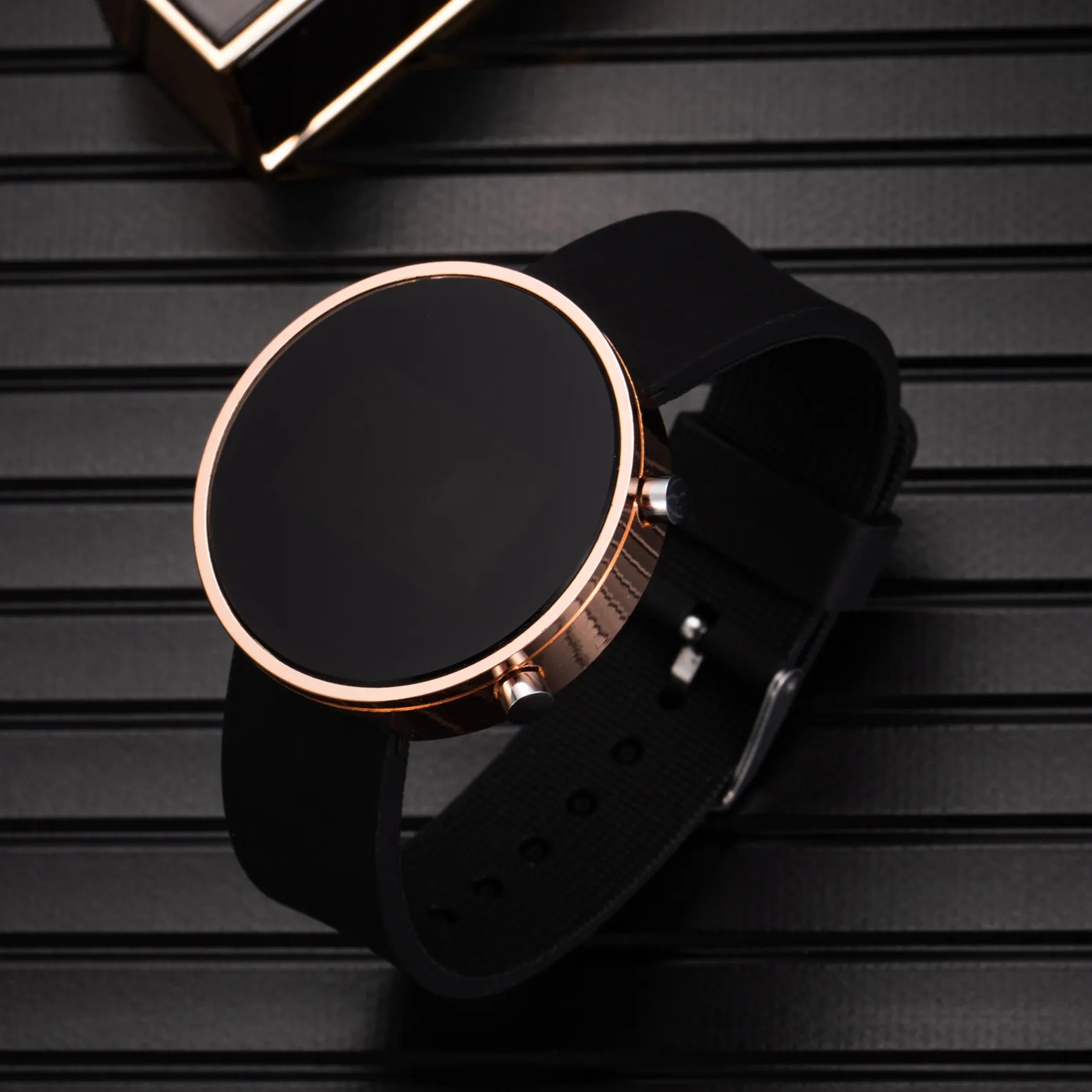
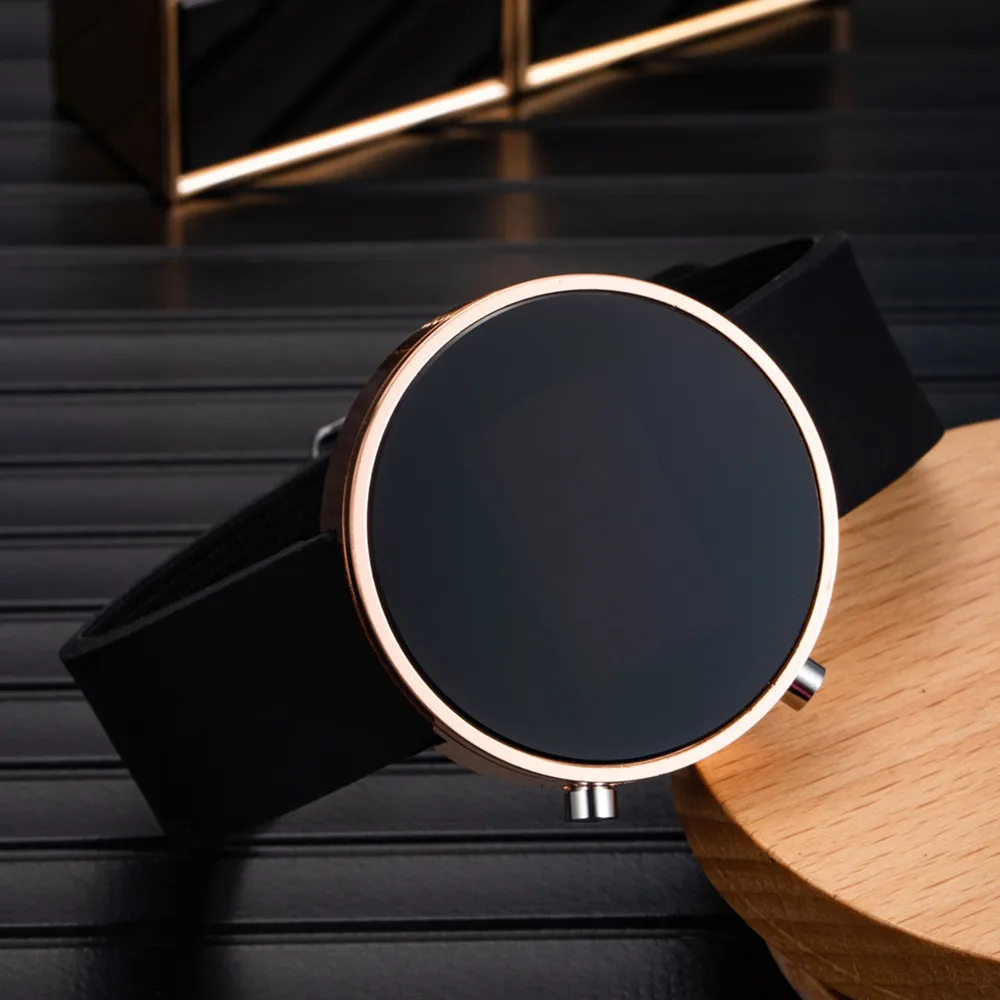
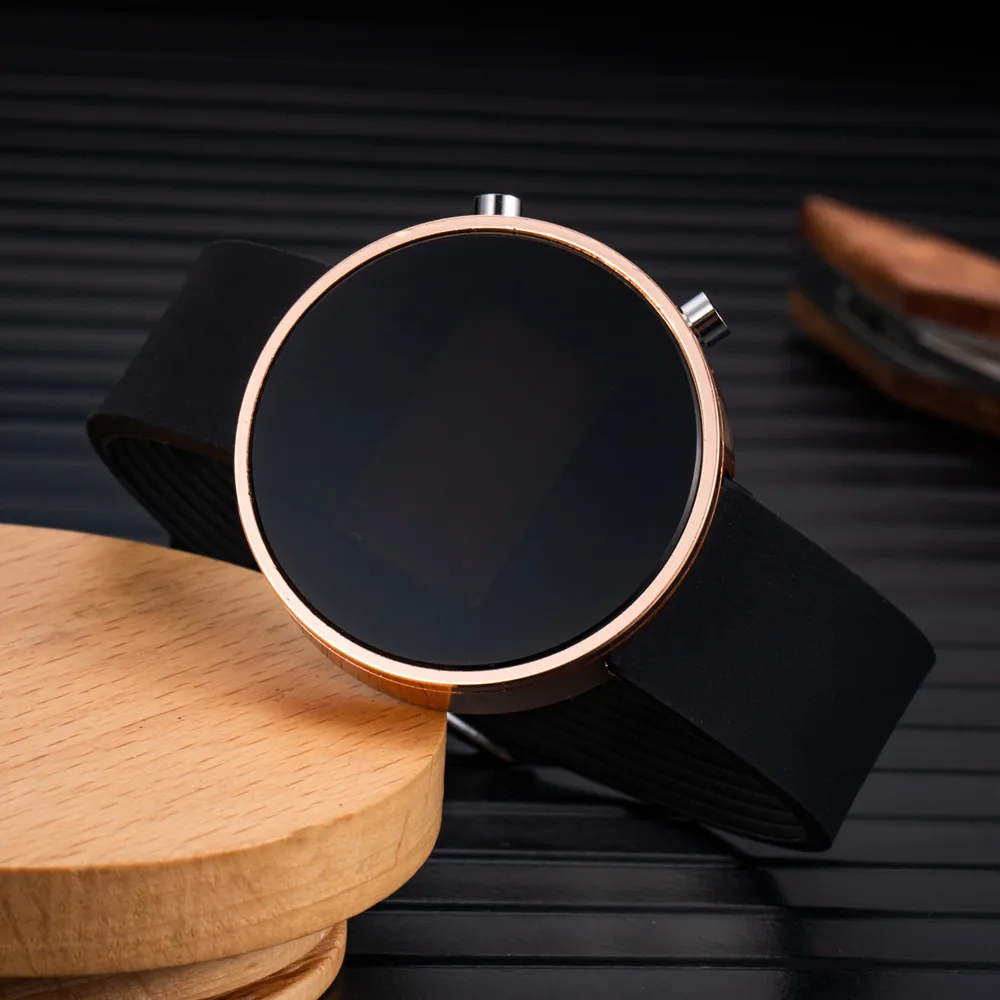
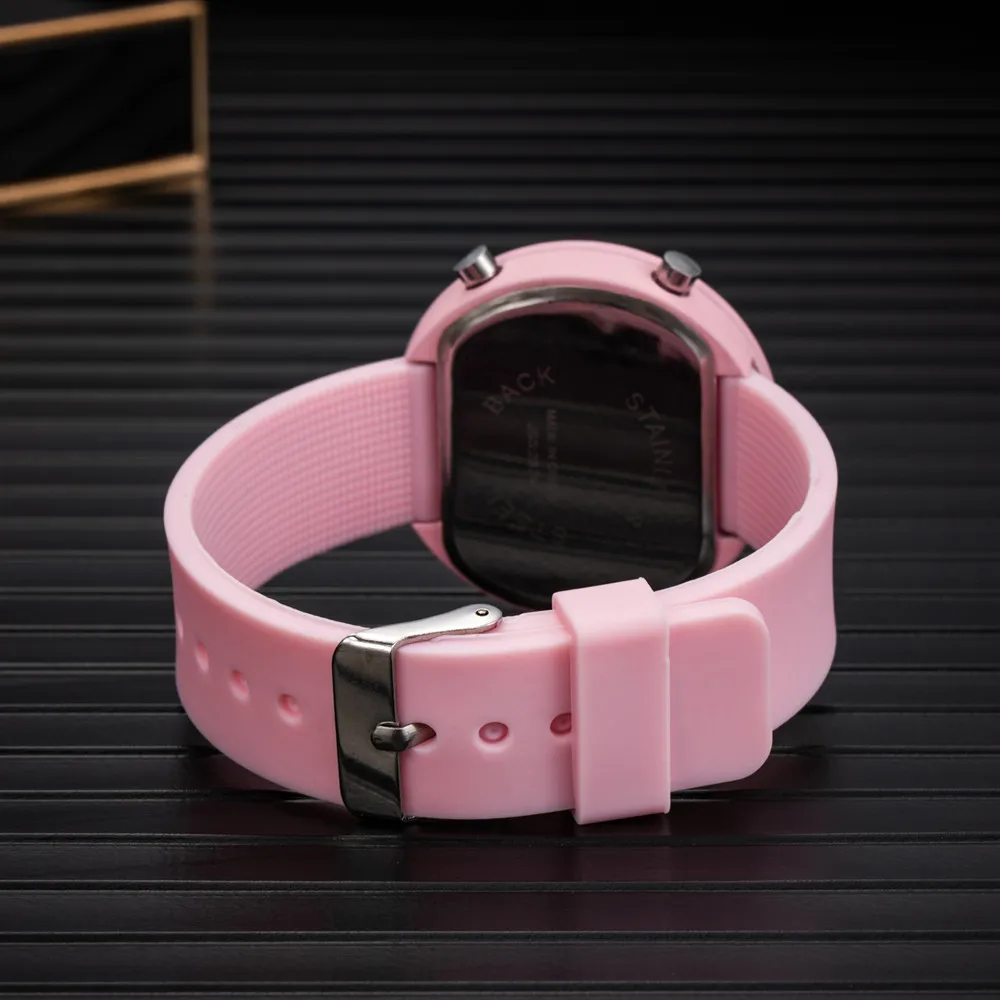
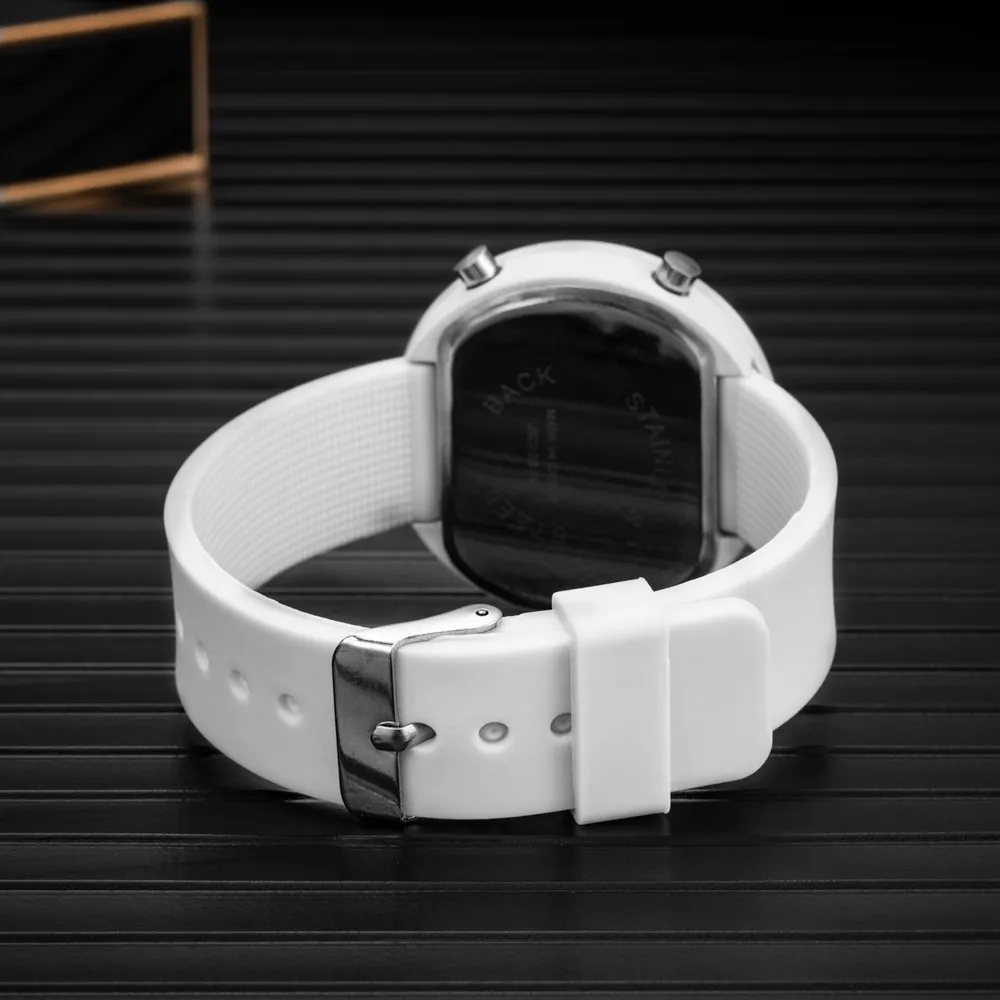
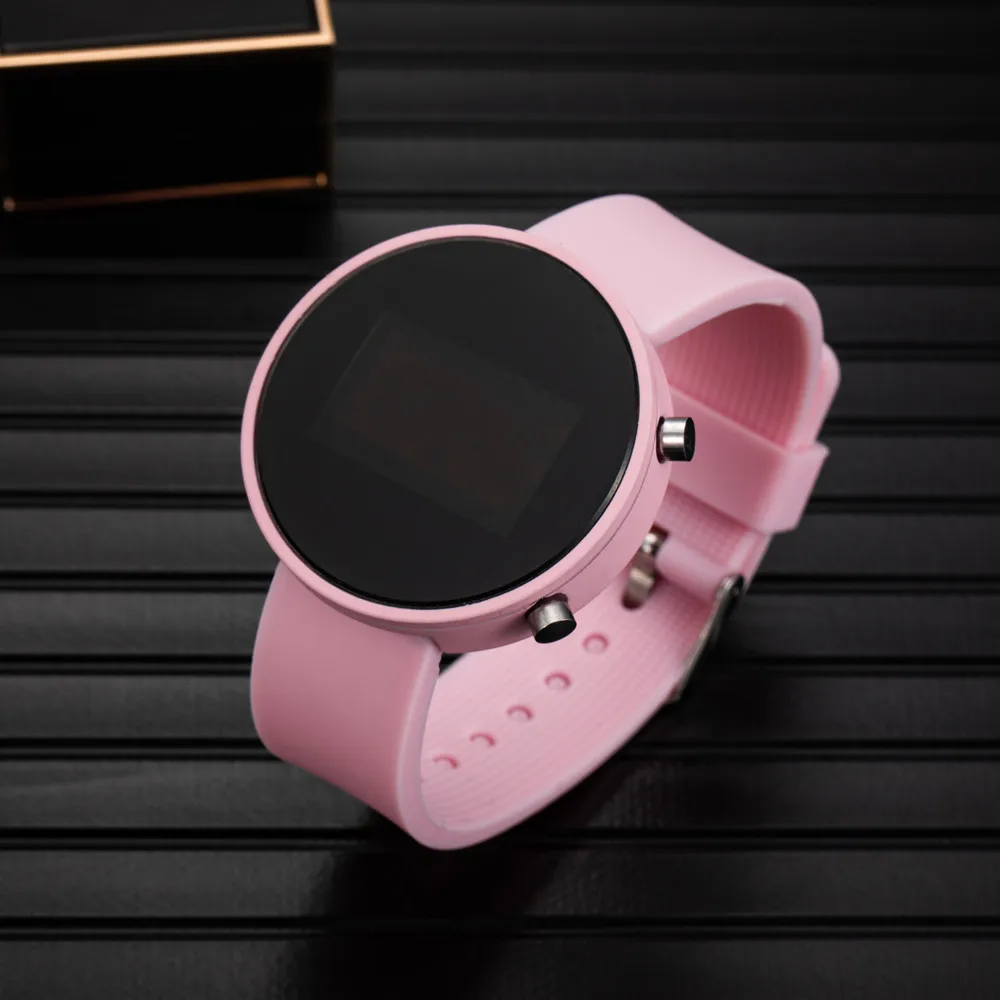
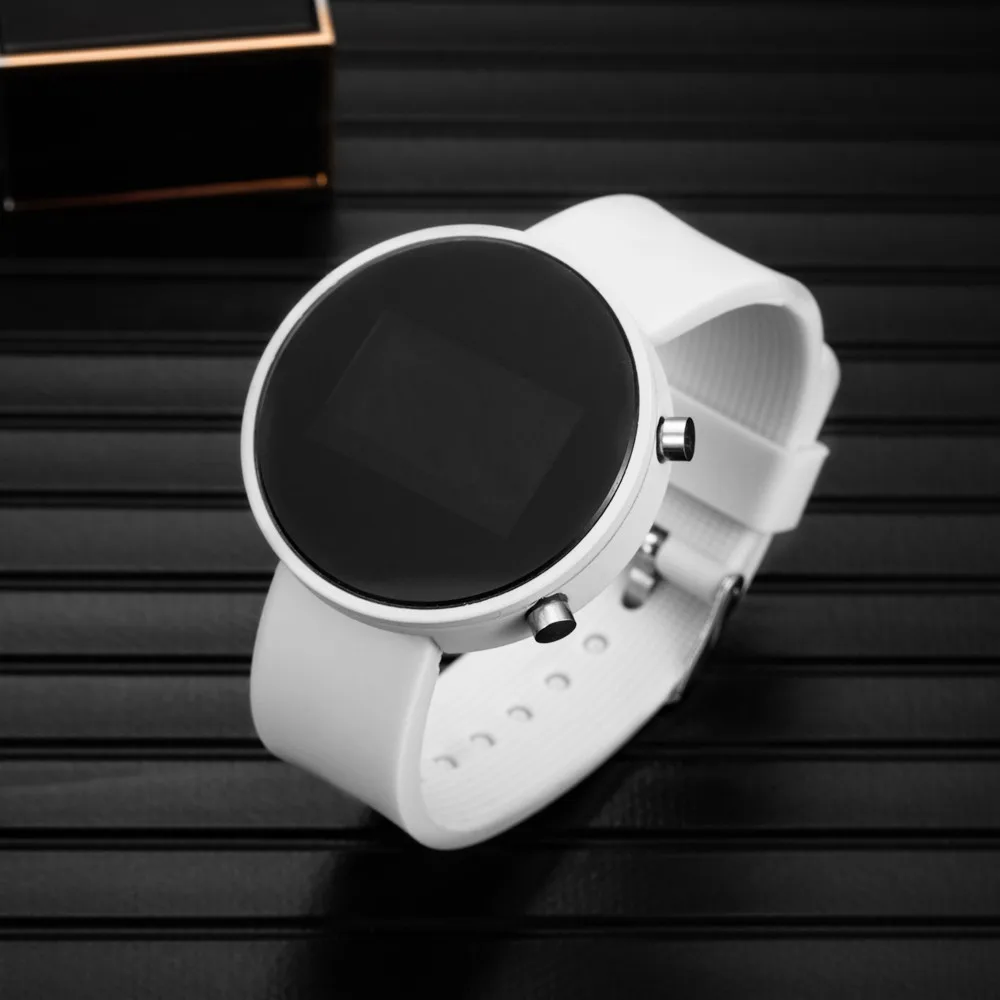
Name: Digital Wrist Watches
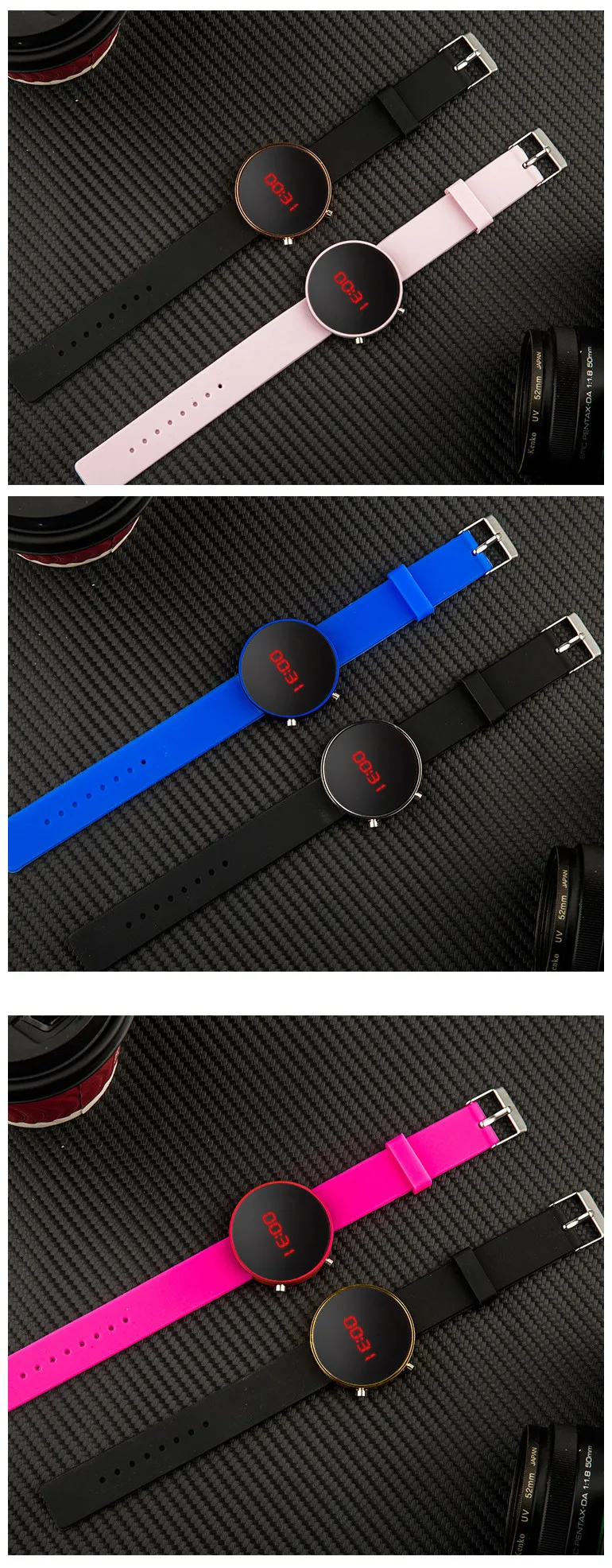
Style: Fashion, Casual, Simple , Creative,Sport
Strap length:24cm
Dial diameter: 41mm
Dial thickness: 10mm
Band material: Silicone Strap
Package: 1X Wrist Watches
Weight:48g
Setup steps:
1. Press the A button in the standby mode to display the time normally.
2. Press B again to enter the hour debugging, the hour digit flashes, press A to set the hour.
3. Press B again to enter the minute debugging. The minute digits flash, press A to set the minute.
4. Press B again to enter the month debugging. The month digits flash, press A to set the month.
5. Press B again to enter the date debugging, the date digits flash, press A to set the date.
6. Press B again to enter the year debugging. The year digit flashes. Press A to set the year.
7. Press B again to enter the 12/24 hour setting, 12/24 will flash.
8. Press A to adjust the time system, then press B to return to the normal time interface.
If there is no operation, it will automatically turn off after 3 seconds



Safe payment on our website

